Shrimply Documentation
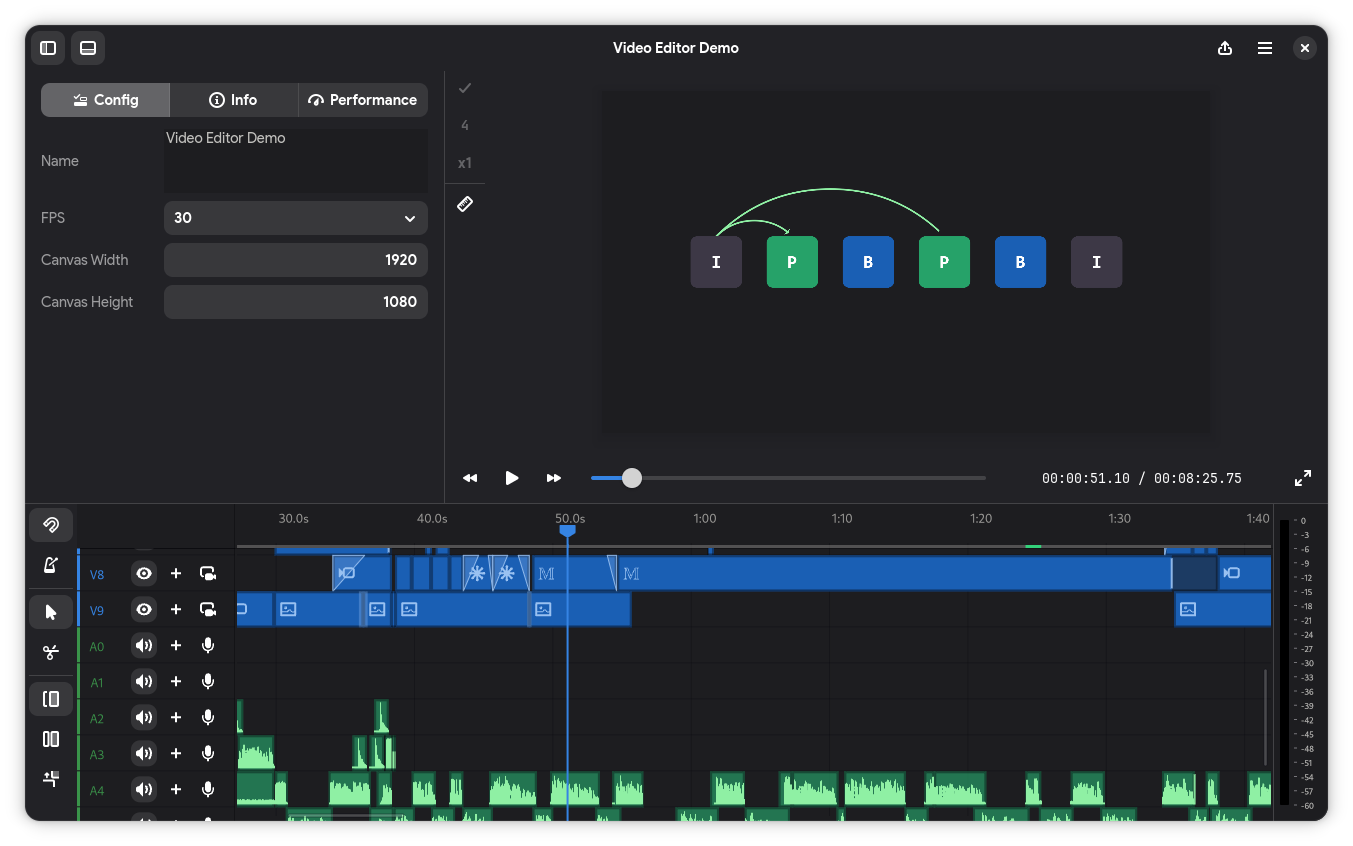
Shrimply is a video editor with caption, video, and audio tracks, a native preview compositor, and an inspector for editing project and clip properties.
Create a project with the canvas size and frame rate you need, import media onto the timeline, edit and preview the result, then export a video, GIF, captions, or project data. Shrimply also includes an optional compute server and an MCP adapter for working with the project currently open in the editor.
Start here
Getting started explains how to launch Shrimply, create a project, edit the timeline, and export it.
Editor describes the main workspaces and shortcuts.
Importing and creating media lists accepted sources and the content Shrimply can generate.
Expressions covers values and functions for procedural and audio-reactive properties.
Compute server covers optional AI and compute features.
MCP integration documents live editor automation.
Development contains the supported repository workflow.